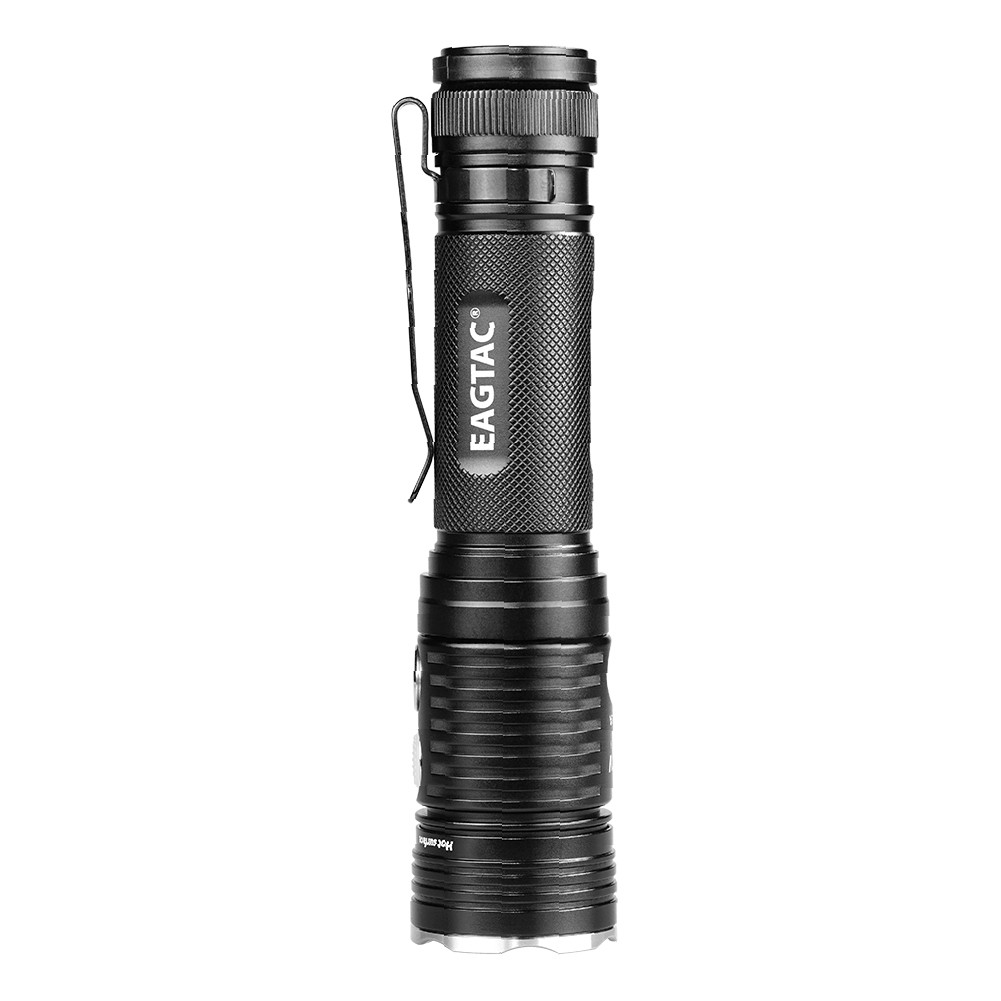
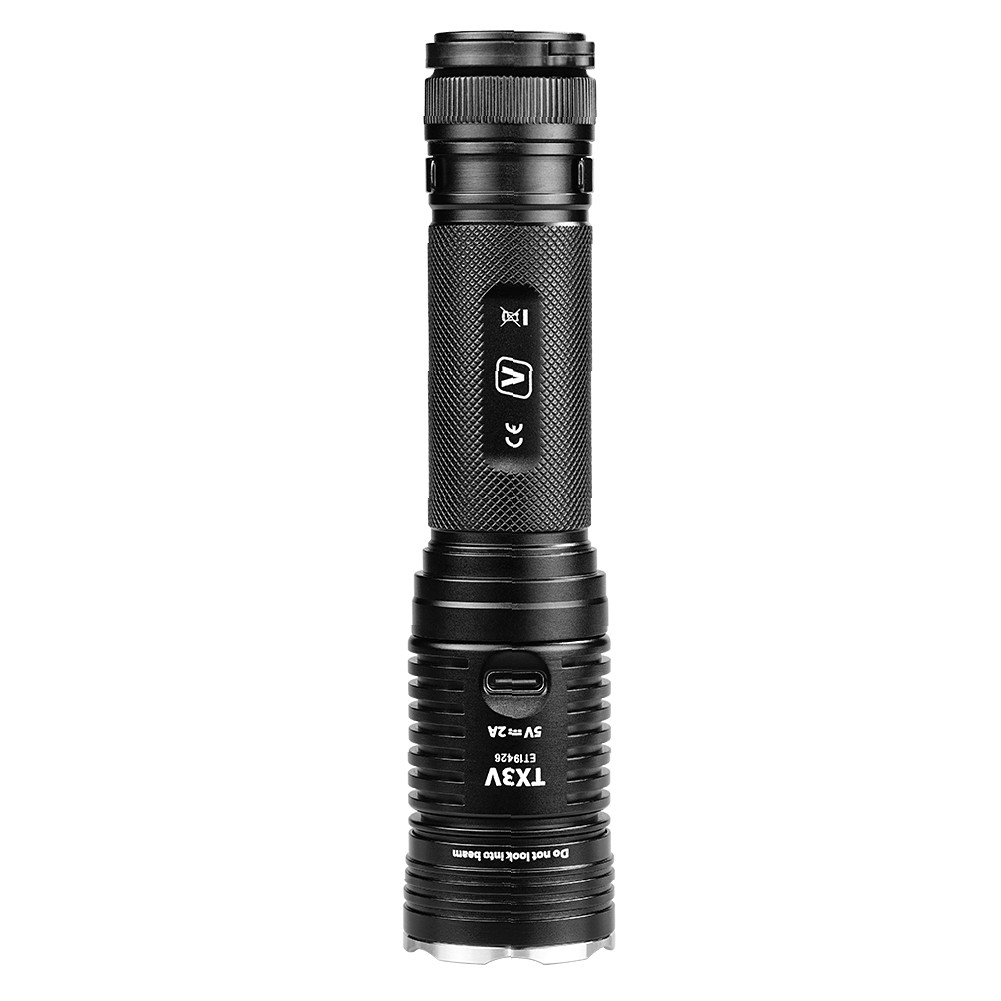
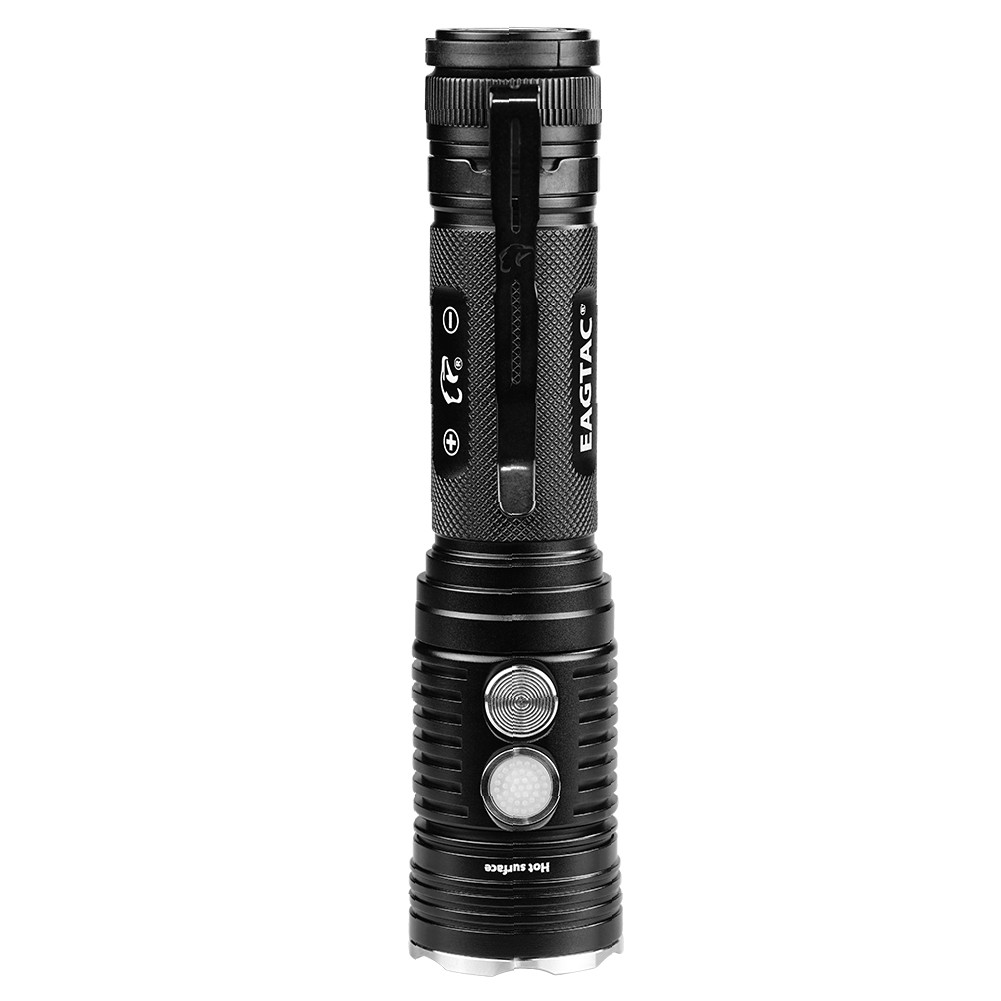
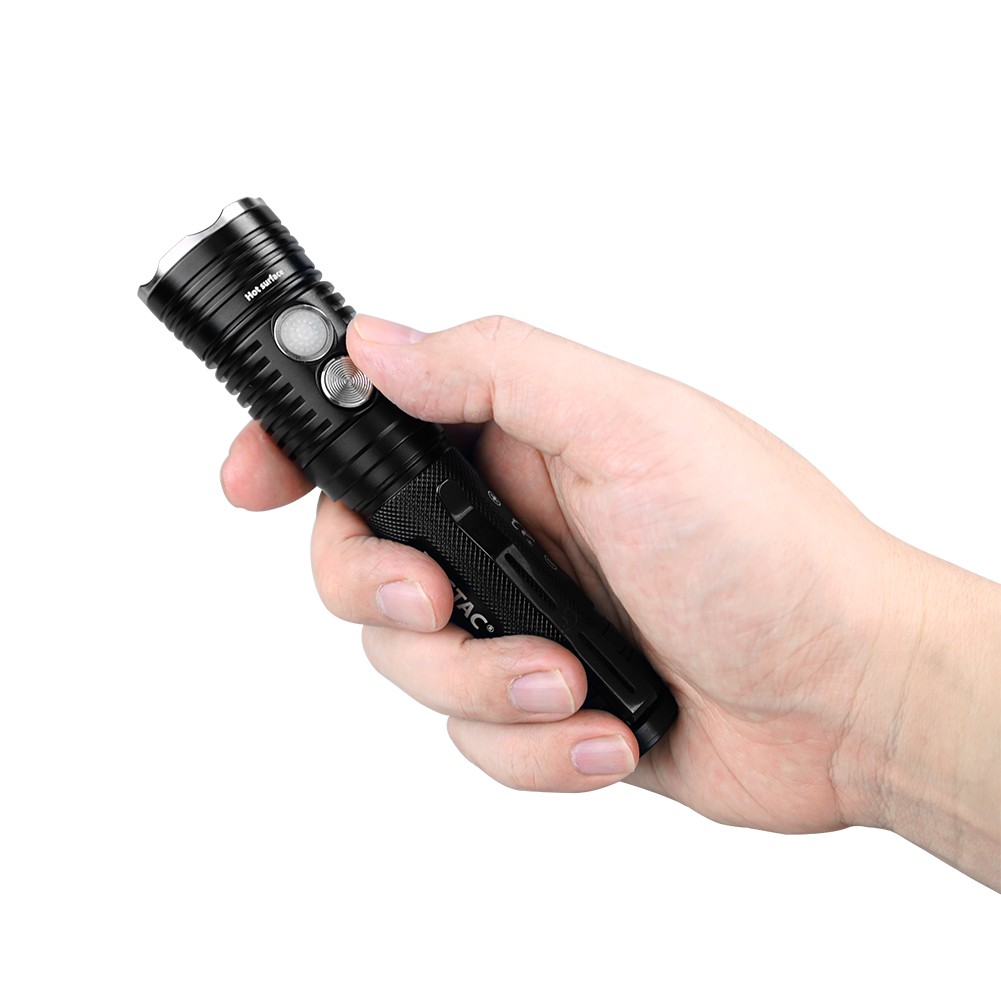
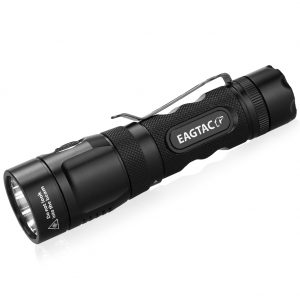
How to use?
Basic operations:
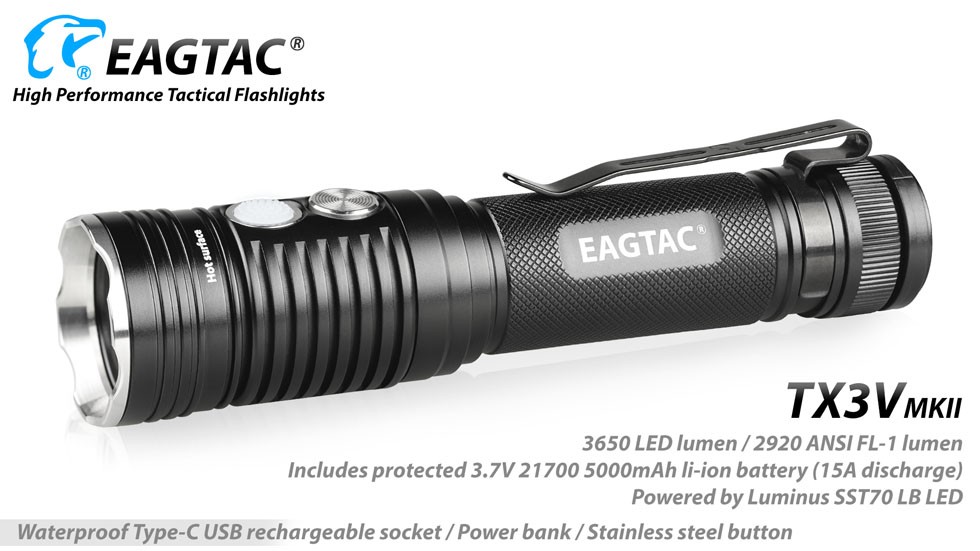
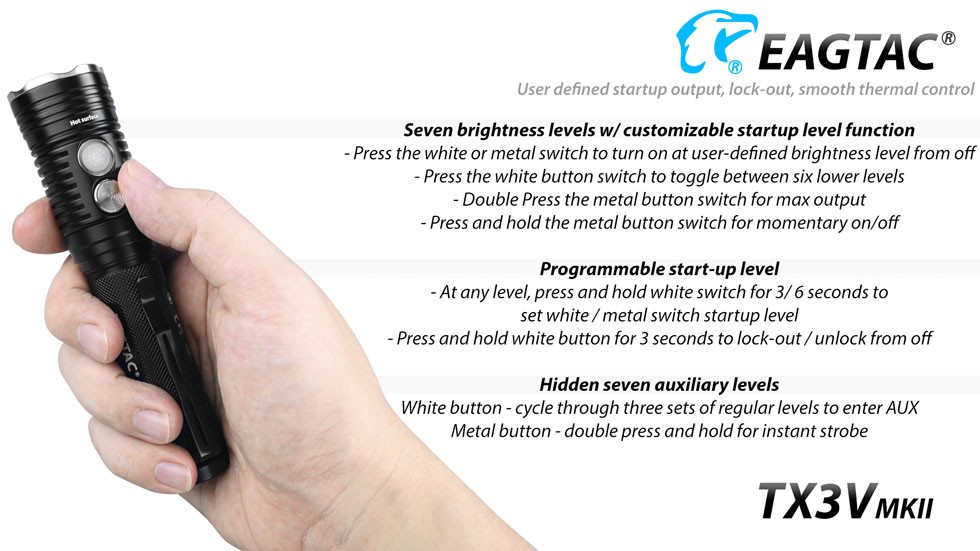
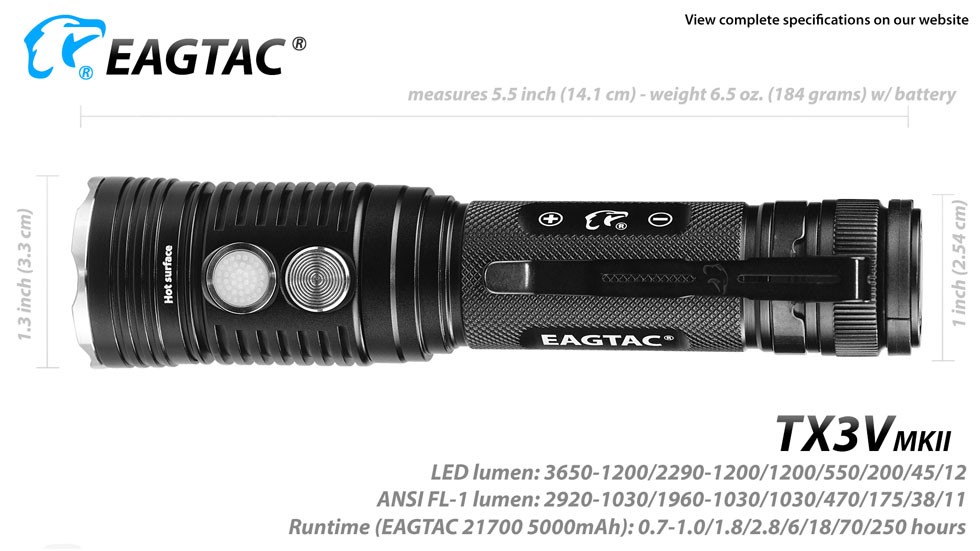
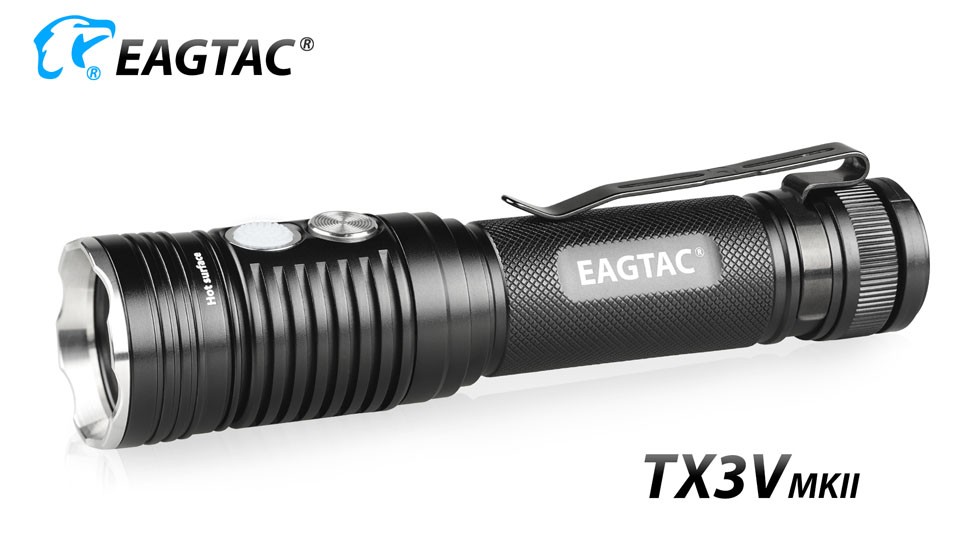
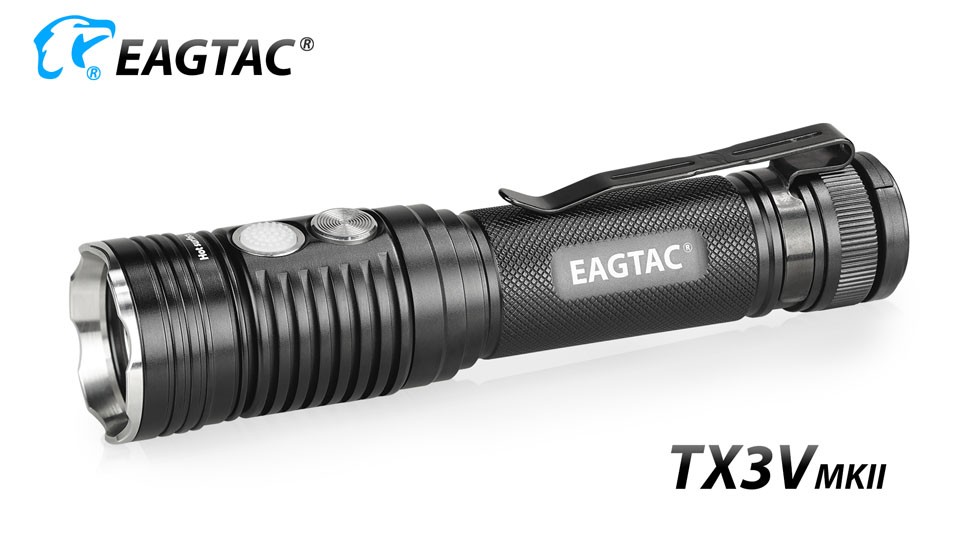
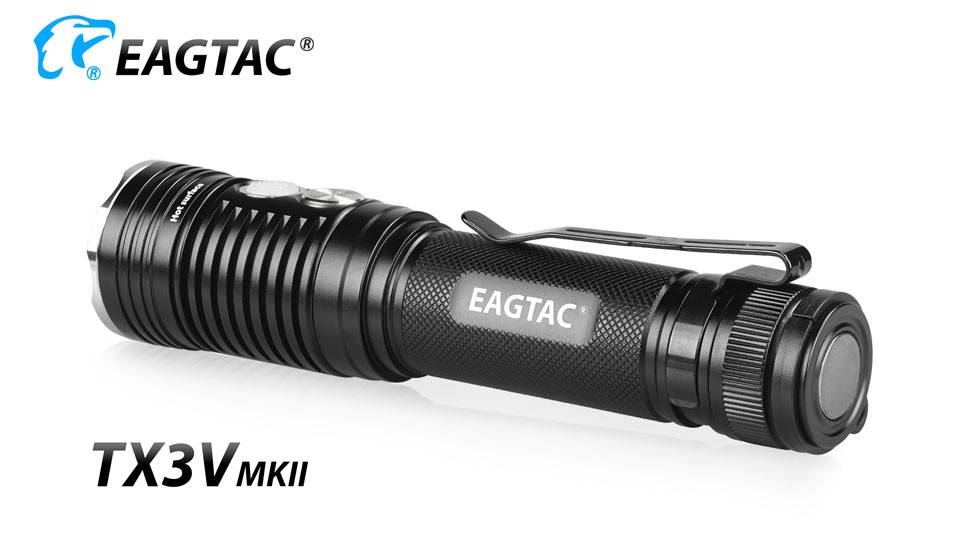
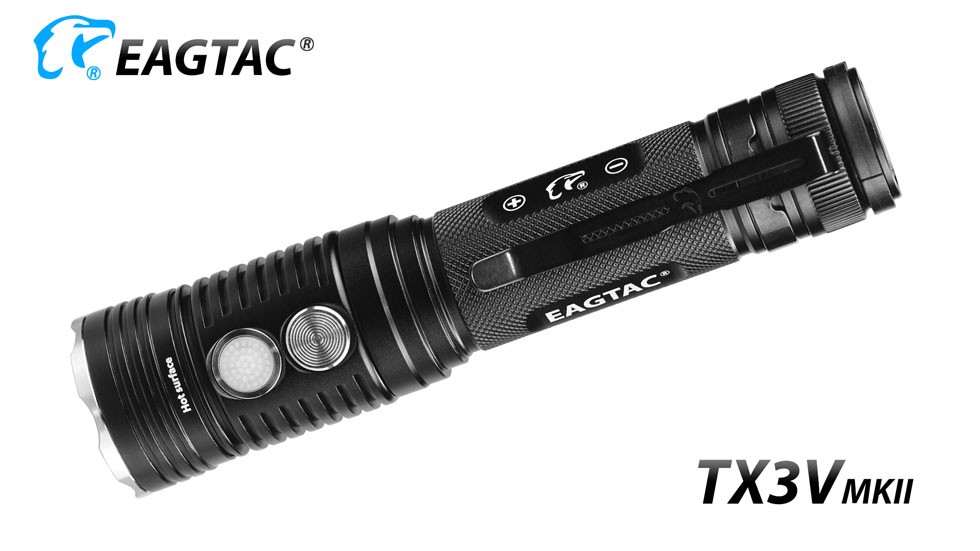
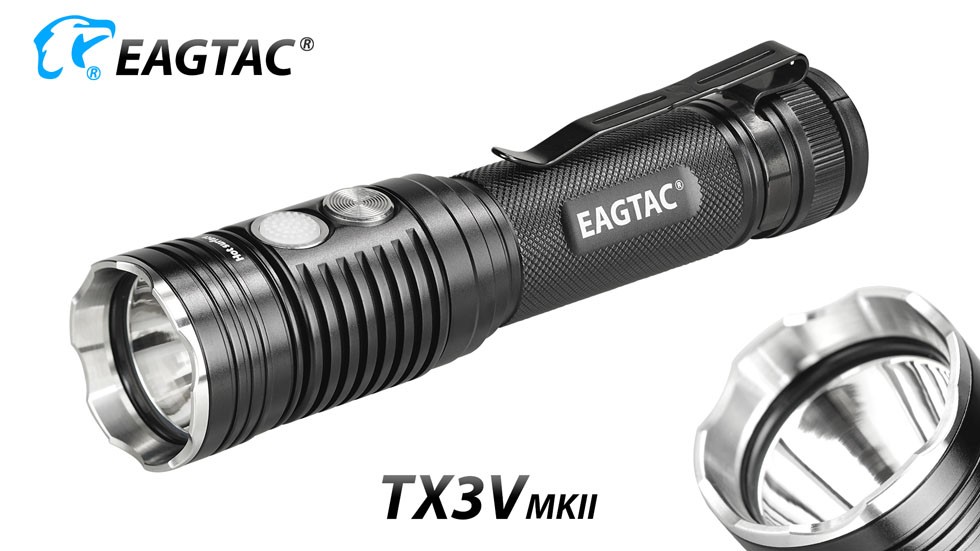
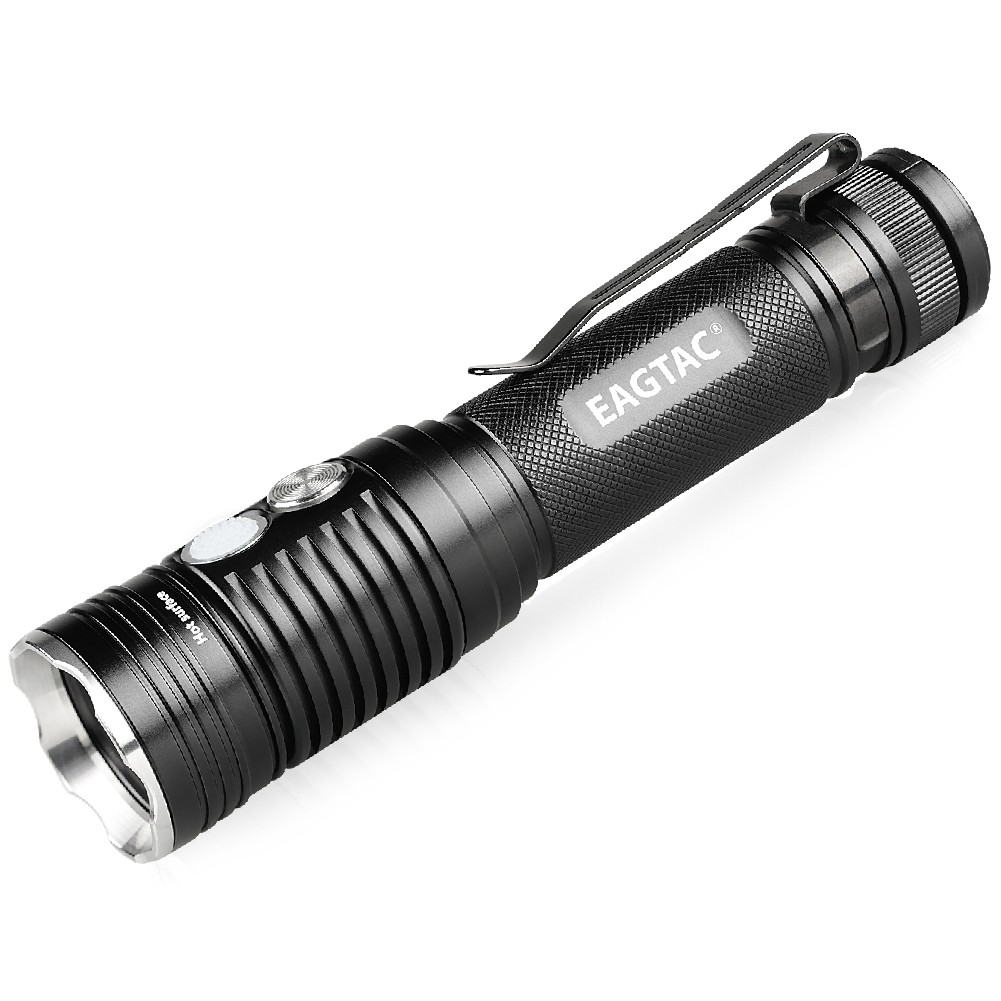
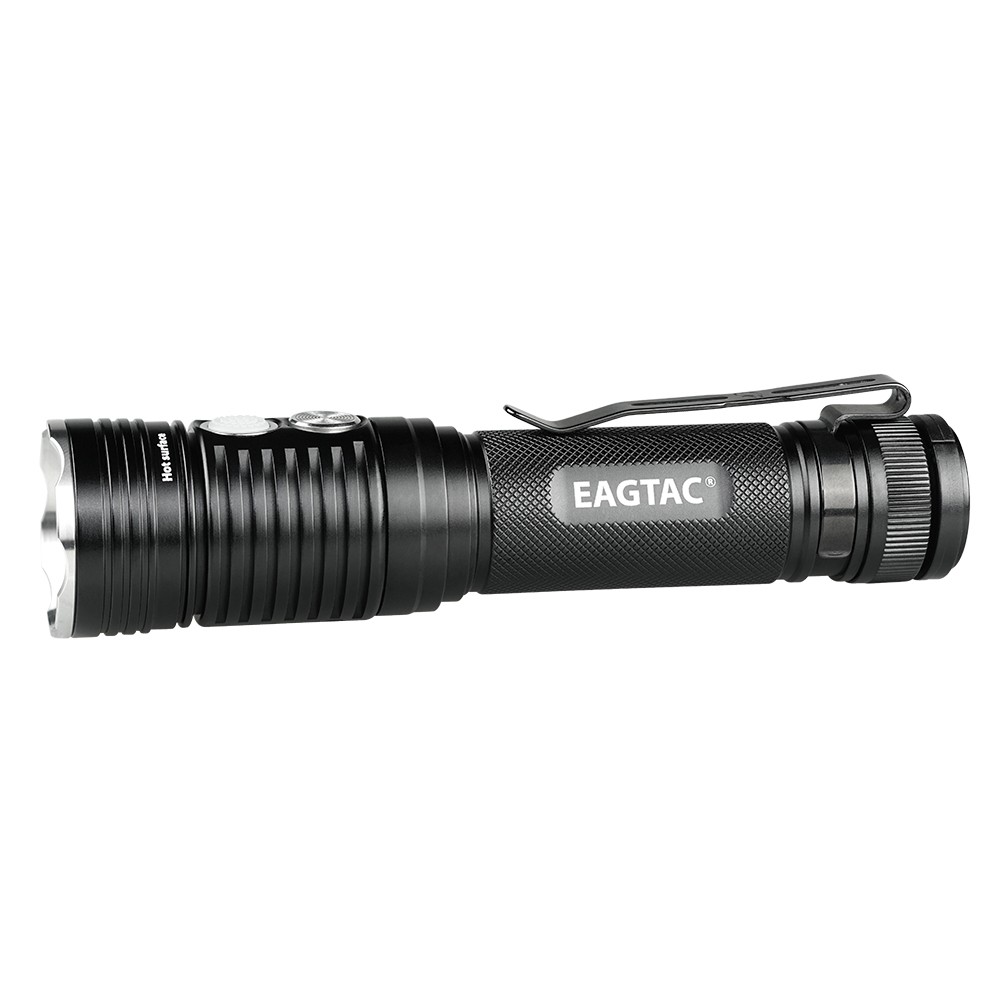
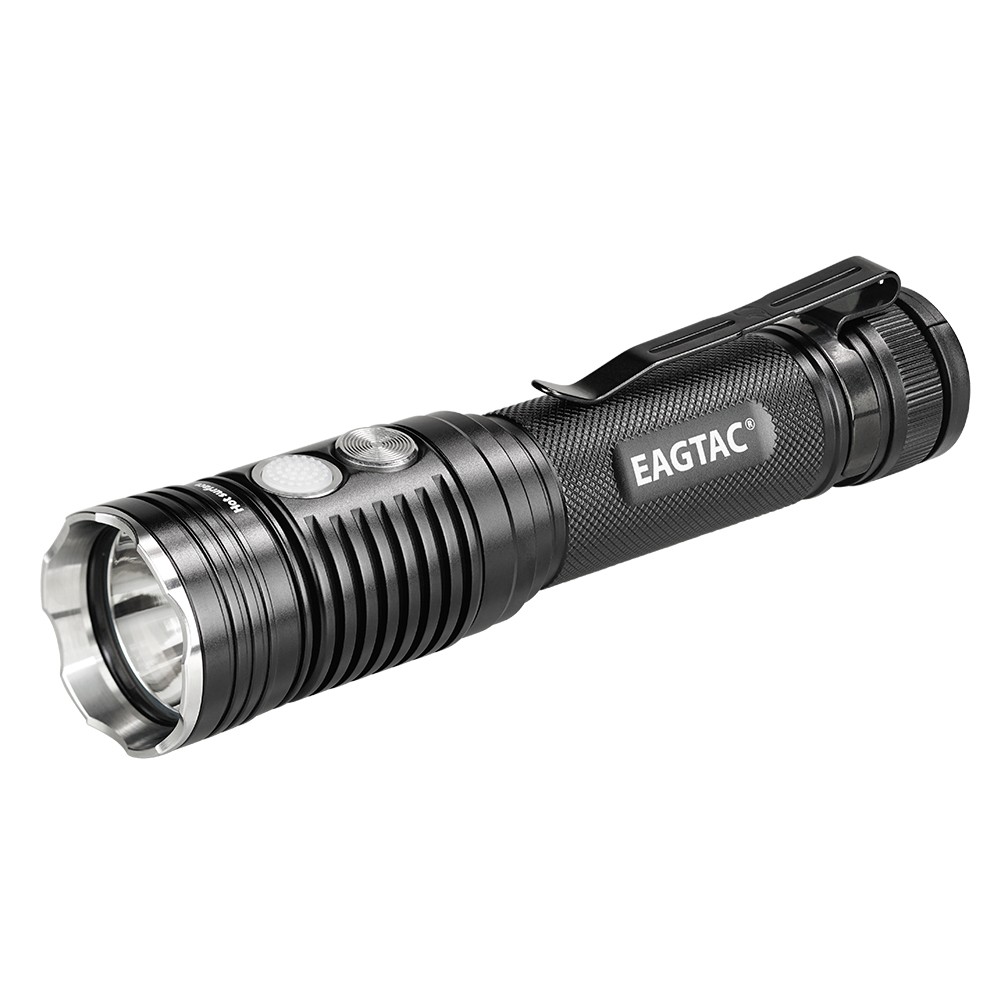
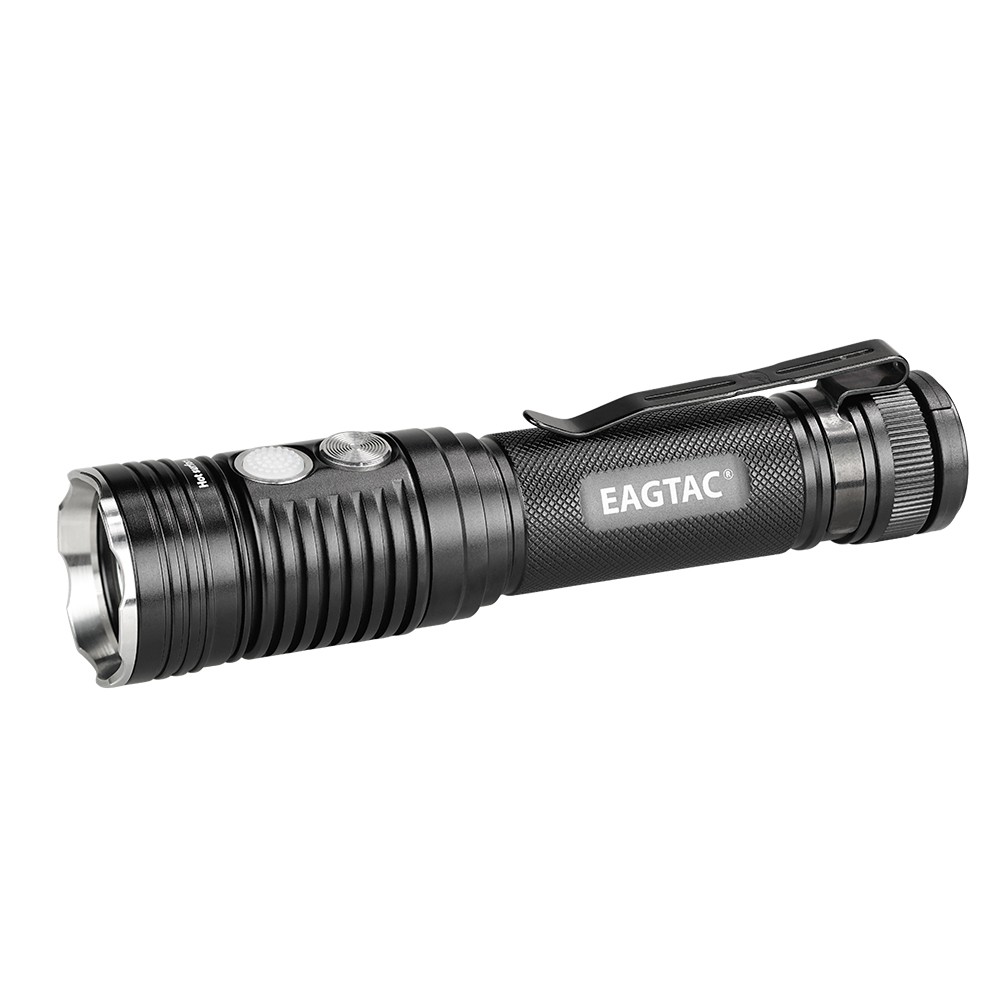
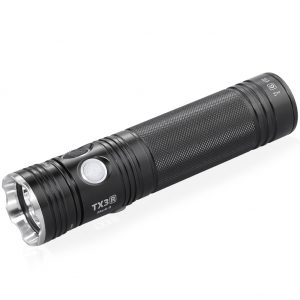
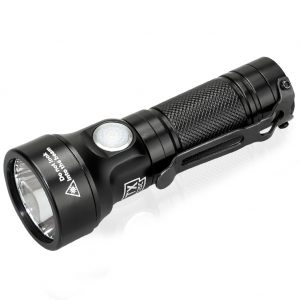
- Turn on at MAX by double clicking the METAL button.
- Turn on at HIGH (programmable) by clicking the METAL button.
- Turn on at LOW (programmable) by clicking the WHITE button.
- Turn off by clicking the METAL button.
Change brightness:
- To switch between different brightness levels, click the WHITE button switch.
- To enter hidden auxiliary levels, switch through at least three cycle of regular output with WHITE button.
Programming:
- To program the startup output level for the WHITE (METAL) switch, switch to the desired output level, press and hold the WHITE button for three (six) seconds until the side LED blinks to indicate current output level has been memorized.
Advanced operations:
- For momentary on/off – press and hold the METAL button. Release button to return to previous level (or off).
- For instant Strobe output – double click and hold the METAL button. Release button to return to previous state (or off).
- For instant MAX output – double click the METAL button.
Lock-out and locator blink:
- With flashlight off, press and hold the WHITE switch for three seconds to lock or unlock the flashlight.
- With flashlight locked, press the WHITE switch ten times to toggle side locator blink (nano power indicator blink when flashlight is off).
Charging:
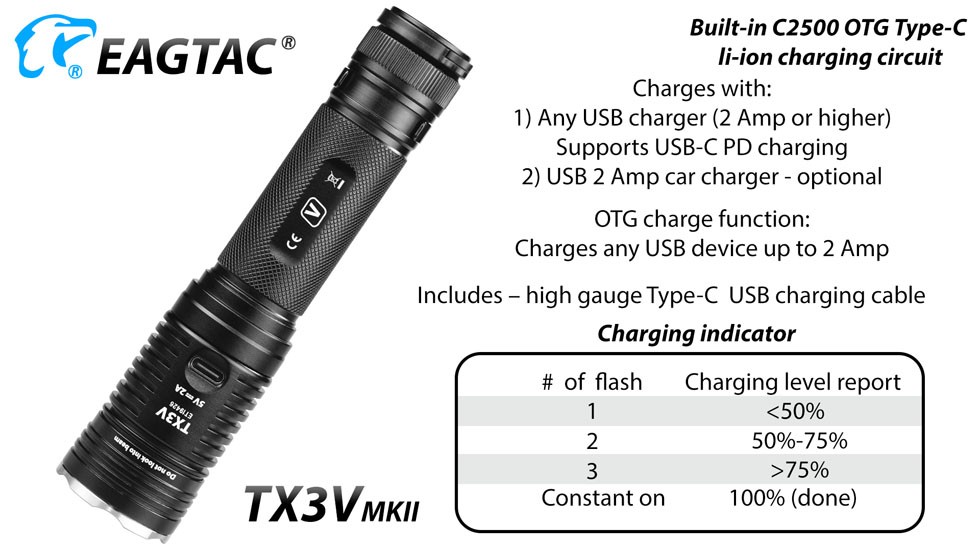
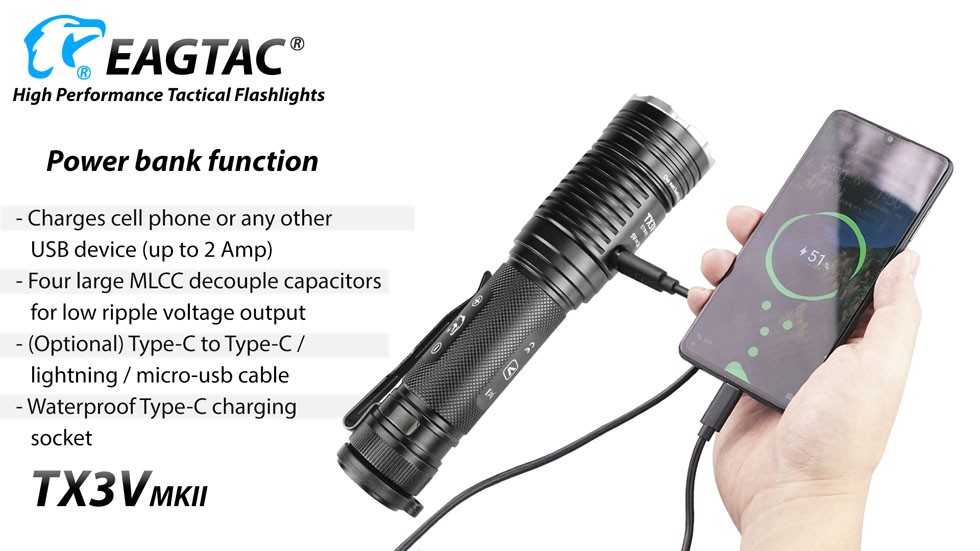
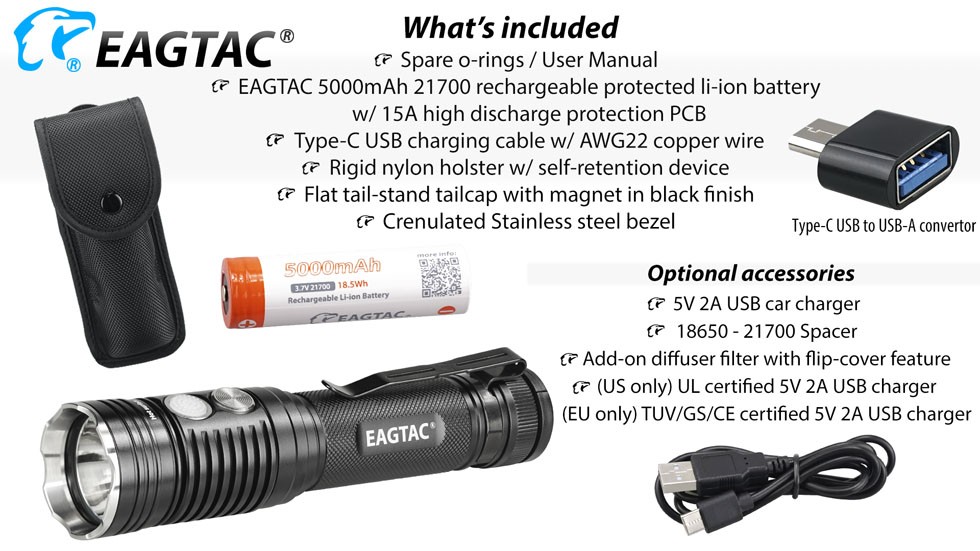
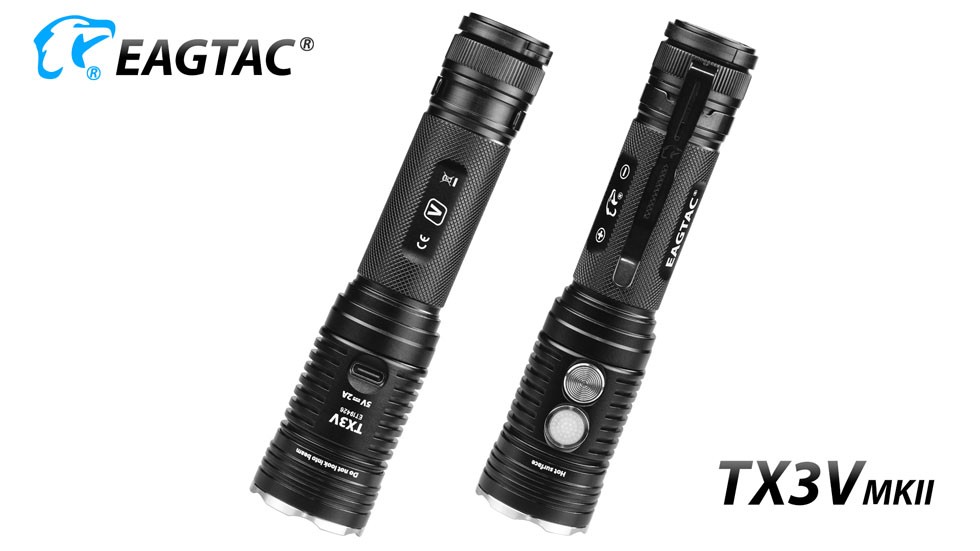
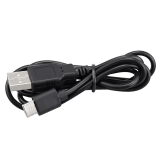
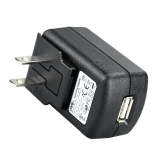
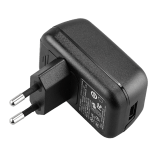
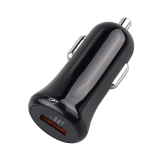
- Remove the waterproof silicon cap and insert the charging power plug to charge.
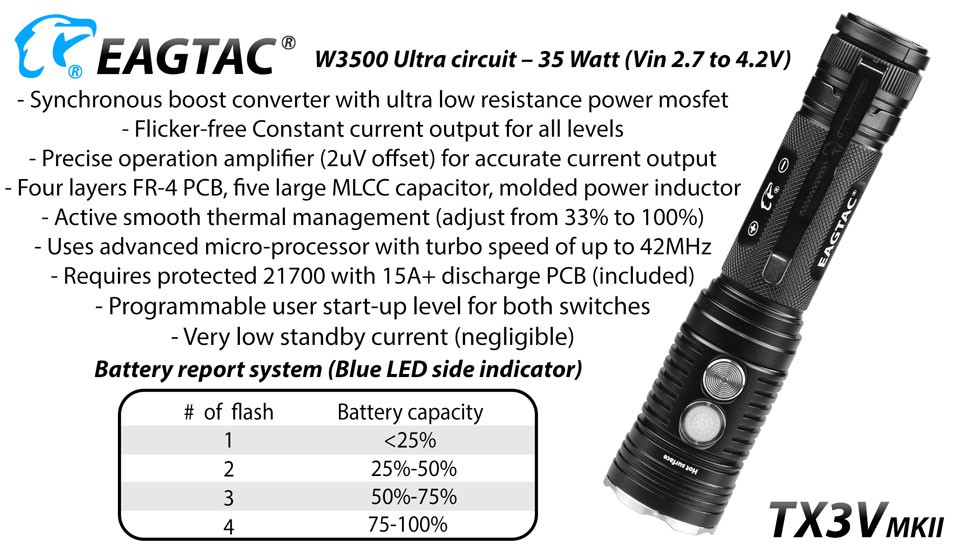
- Blue side LED indicates the battery is being charged. It reports charging percentage by blinking (50%/75%/100%). Indicator turns solid when fully charged.